

Hey there! As a supplier of indoor smart locks, I often get asked about the signal range of these locks' wireless connections. It's a crucial aspect that many folks overlook but can make a huge difference in how well your smart lock functions. So, let's dive right into it and explore what affects the signal range and what you can expect from our indoor smart locks.
First off, what exactly determines the signal range of an indoor smart lock's wireless connection? Well, there are a few key factors at play here. The type of wireless technology used is one of the most significant factors. Most indoor smart locks use Bluetooth, Wi-Fi, or Zigbee for their wireless connections. Each of these technologies has its own strengths and limitations when it comes to signal range.
Bluetooth is a popular choice for indoor smart locks because it's energy-efficient and easy to pair with smartphones. However, its signal range is relatively limited compared to other wireless technologies. Typically, the range of a Bluetooth connection for an indoor smart lock is around 10 meters or 33 feet. This means that you'll need to be relatively close to the lock to unlock it using your smartphone. While this might seem like a drawback, it can actually be a security feature, as it ensures that only someone in close proximity to the lock can access it.
On the other hand, Wi-Fi offers a much longer signal range than Bluetooth. With a strong Wi-Fi network, you can expect the signal range of a Wi-Fi-enabled indoor smart lock to be up to 30 meters or 100 feet or even more, depending on the strength of your router and the layout of your building. This allows you to control your smart lock from anywhere within your home or office, as long as you're connected to the same Wi-Fi network. However, using Wi-Fi also consumes more power, which means that the battery life of your smart lock might be shorter compared to a Bluetooth-only lock.
Zigbee is another wireless technology that's commonly used in smart home devices, including indoor smart locks. Zigbee operates on a low-power, mesh network, which means that it can communicate with other Zigbee devices in your home to extend its signal range. The range of a Zigbee connection for an indoor smart lock can vary depending on the number of Zigbee devices in your network, but it can typically reach up to 30 meters or 100 feet or more. Zigbee is also known for its reliability and security, making it a popular choice for smart home applications.
In addition to the type of wireless technology used, the layout and construction of your building can also have a significant impact on the signal range of your indoor smart lock. Thick walls, metal objects, and other obstacles can block or weaken the wireless signal, reducing its range. For example, if your smart lock is installed on a door that's surrounded by metal frames or thick concrete walls, you might experience a shorter signal range compared to a lock that's installed in an open area.
So, what can you do to ensure that your indoor smart lock has the best possible signal range? Here are a few tips:
- Choose the right wireless technology: Consider your needs and the layout of your building when choosing a wireless technology for your smart lock. If you only need to unlock your door from close range, Bluetooth might be the best option. If you want to control your lock from anywhere within your home or office, Wi-Fi or Zigbee might be a better choice.
- Position your router correctly: If you're using a Wi-Fi-enabled smart lock, make sure that your router is positioned in a central location in your building and that there are no obstacles blocking the signal. You might also want to consider using a Wi-Fi extender or mesh network to boost the signal strength in areas where it's weak.
- Avoid obstacles: Try to install your smart lock in an area that's free from obstacles, such as thick walls or metal objects. If you can't avoid installing the lock near an obstacle, you might want to consider using a signal booster or a different wireless technology.
- Update your firmware: Make sure that your smart lock's firmware is up to date. Manufacturers often release firmware updates that can improve the performance and signal range of their locks.
At our company, we offer a wide range of indoor smart locks that use different wireless technologies to suit your needs. For example, our Hotel Digital Fingerprint Digital Door Lock uses Bluetooth technology for easy pairing with smartphones, while our Zinc Alloy Fingerprint Smart Door Lock and Tuya App Biometric Fingerprint Smart Room Door Lock support both Wi-Fi and Bluetooth for maximum flexibility.
If you're in the market for an indoor smart lock and want to learn more about our products or have any questions about the signal range of our locks, feel free to reach out to us. We're always happy to help you find the right smart lock for your needs and provide you with the support and guidance you need to ensure that it works smoothly.
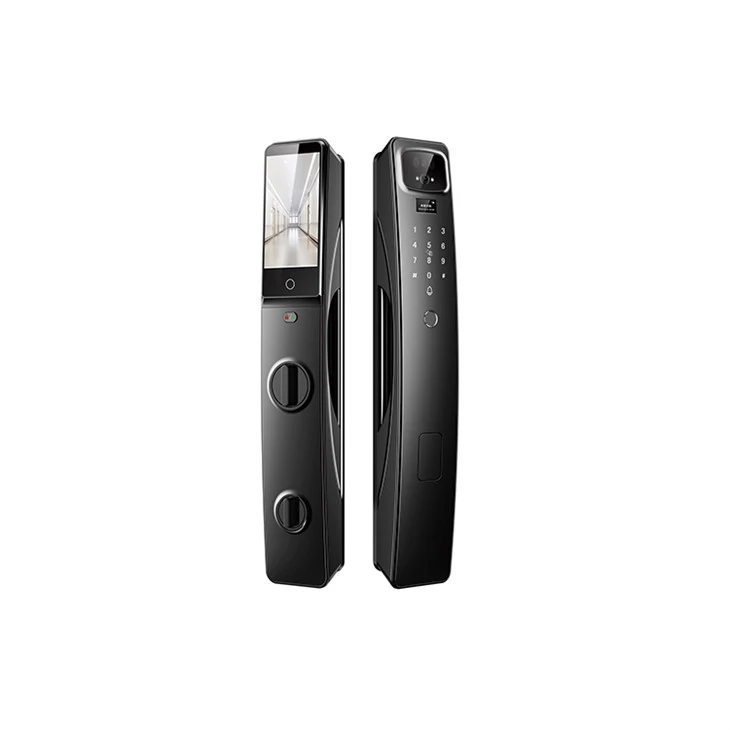

In conclusion, the signal range of an indoor smart lock's wireless connection is an important factor to consider when choosing a smart lock. By understanding the different wireless technologies available and the factors that can affect the signal range, you can make an informed decision and choose a lock that meets your needs and provides you with the convenience and security you're looking for.
References:
- "Wireless Technologies for Smart Home Devices." Smart Home Association.
- "Bluetooth Technology: How It Works and Its Applications." Bluetooth SIG.
- "Wi-Fi Technology: The Basics." Wi-Fi Alliance.
- "Zigbee Technology: A Low-Power, Mesh Network for Smart Home Applications." Zigbee Alliance.